Whether you are an institution of higher education, a K-12 school district or a private educational organization, events are inevitably a big part of both your mission and your everyday operations, from fundraising benefits and faculty gatherings to sporting events and commencements.
Who plans events in your organization probably depends on several factors, including whether you have dedicated event management staff and, if not, who has the bandwidth to take on the additional responsibility.
However, if you are like many colleges, universities and schools, more than a few of your events are planned ad-hoc by committees or larger teams of stakeholders. If you don't have the right tools or systems in place to manage their communications and all the assets shared by these people as well as provide clearly delineated processes and procedures, your event could end up going sideways in a hurry.
That's where online nonprofit event management software for universities and schools can be a huge asset. It not only gives you a consolidated place to store data and manage the flow of information, but it also allows all your users - including students, faculty, administrative staff, operations personnel and volunteers - to easily collaborate and see when things are due.
But how exactly can a school and college event management system help you build and grow your events? Here are eight insights on getting the most of these tools.
1. Choose software that fits your specific needs and is flexible
This probably goes without saying, but no piece of education event technology will benefit you if its core features do not align with the jobs you need to accomplish regarding your events. So the first step is to scope out your desired features and data management needs and determine if you need more of an all-in-one event planning solution or only require certain tools or applications.
Next, you should make sure the platform you choose is flexible enough to meet your needs and user friendly for your intended user audience. Two advantages of cloud-based educational event registration software for schools is that 1) your data is stored securely in the cloud so you don't need to worry about setting up software on your devices or servers, and 2) the application is typically mobile-friendly so you can use it on computers, tablets or mobile devices.
The platform should also be able to handle a large or small event portfolio with events of many types, including alumni events, galas and fundraisers, banquets and catered dinners, meetings and conferences, networking events, recruiting fairs, mixers, enrollment events, seminars and trainin, homecomings, sporting events, orientations and commencements. Many of the best school and university event management software platforms, including Planning Pod, EventBrite, Cvent, Eventzilla, Odoo and Regpack, have multi-event management capabilities and are flexible enough to handle registration for any type of event.
Many schools and universities also have event-related needs that extend beyond event registration and event planning and into event venue management. If you also require the ability to track room/space, equipment and staff bookings for your facilities, you may want to seek out applications that include these capabilities.
2. Know your audience and their needs
Many platforms are capable of conforming to the needs of any attendee audience, so you first need to determine who your audience is and what kind of attendee experience and content will fully engage them.
Are you targeting students, parents or alumni? Faculty or administrative staff? Friends of the university, stakeholders, donors or community members? Or some combination of these? Determining your audience mix will determine what kind of content (speakers, entertainment, etc.), vendors (catering, audio/visual, etc.) and technology you will need for your attendees.
For example, if you are planning a conference with tech savvy guests, an event app with electronic schedules and online networking might be a great idea. Or if you are creating a student orientation event, things like social media walls or interactive 3D virtual reality exhibits may connect with your audience better.
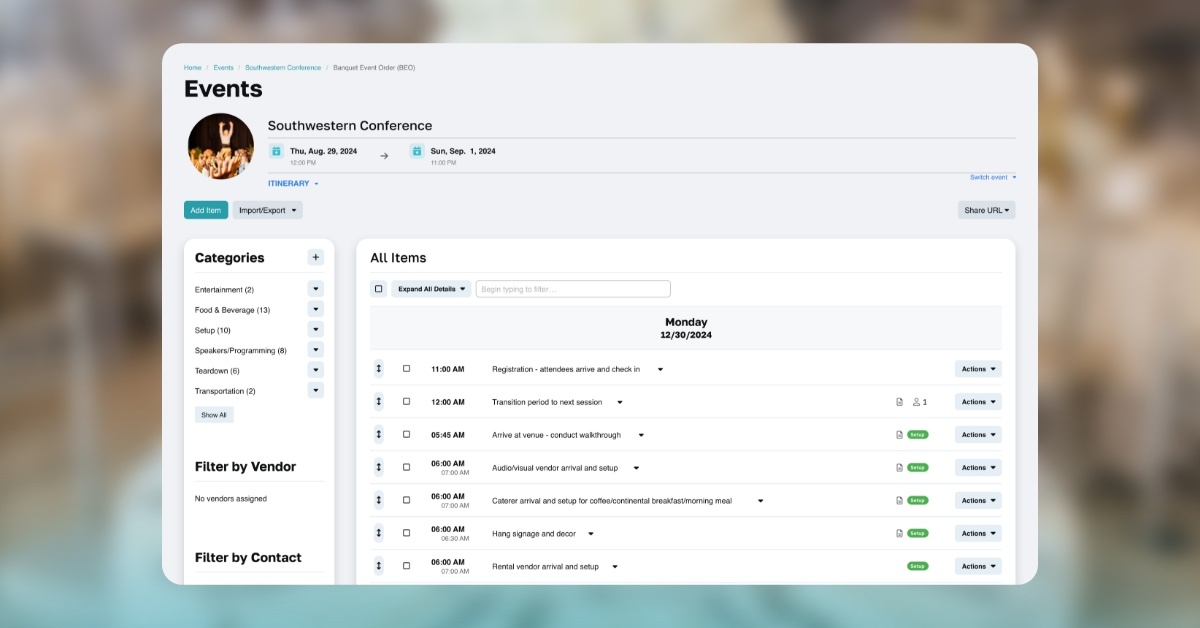
Look for online school event registration software apps to offer tools to help you manage speaker and vendor details. In addition, if your events require your attendees to book lodging, it's helpful to have tools for tracking hotel room bookings and room blocks.
3. Pay for upfront expenses through donors, sponsors and exhibitors
Most schools are intimately familiar with fundraising tactics like donor engagement and recurring gifting, and funding your events using similar tactics is a great way to put your event in the black before event day even arrives.
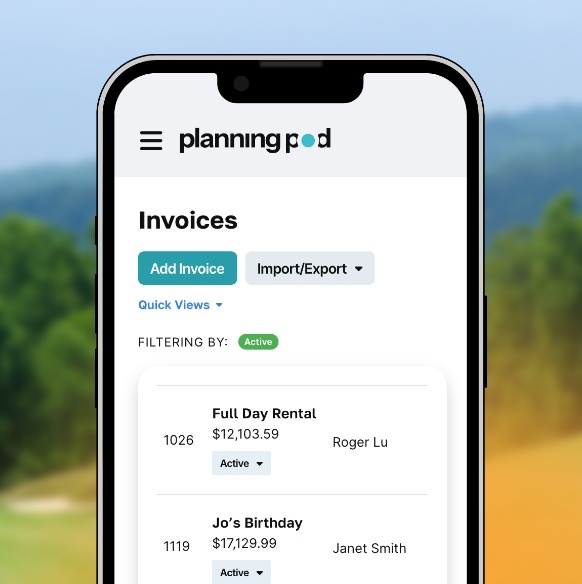
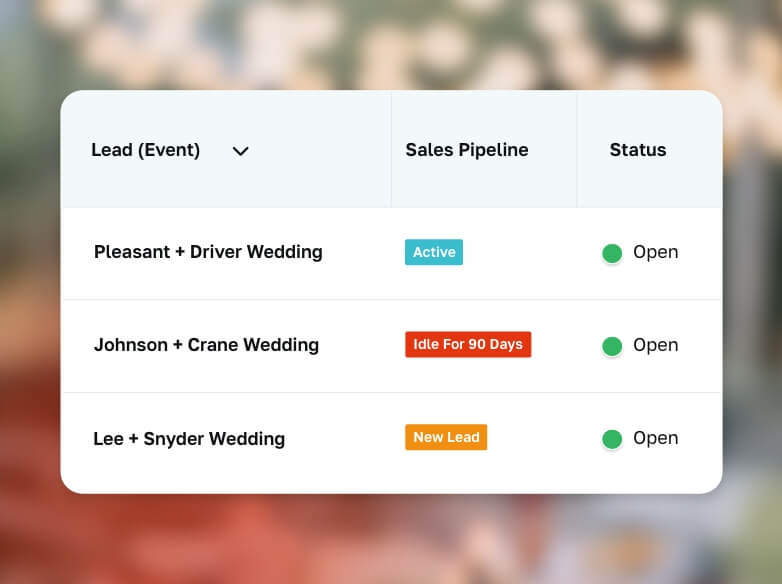
Lead management tools are a great asset for managing donors as well as if you decide to sell sponsorships or exhibition booths at your event (and many tools also come with sponsorship and exhibitor management functions). Streamlining the onboarding and billing process for these partners is also important, so it's key to have a set of tools for building event proposals, collecting signatures on event contracts, and managing invoices and payments for your events.
4. Build tickets and sales schedules that maximize attendance
Not only do you want your attendee experience to surpass expectations, but you also want your entire event registration and ticketing process to align with attendee expectations.
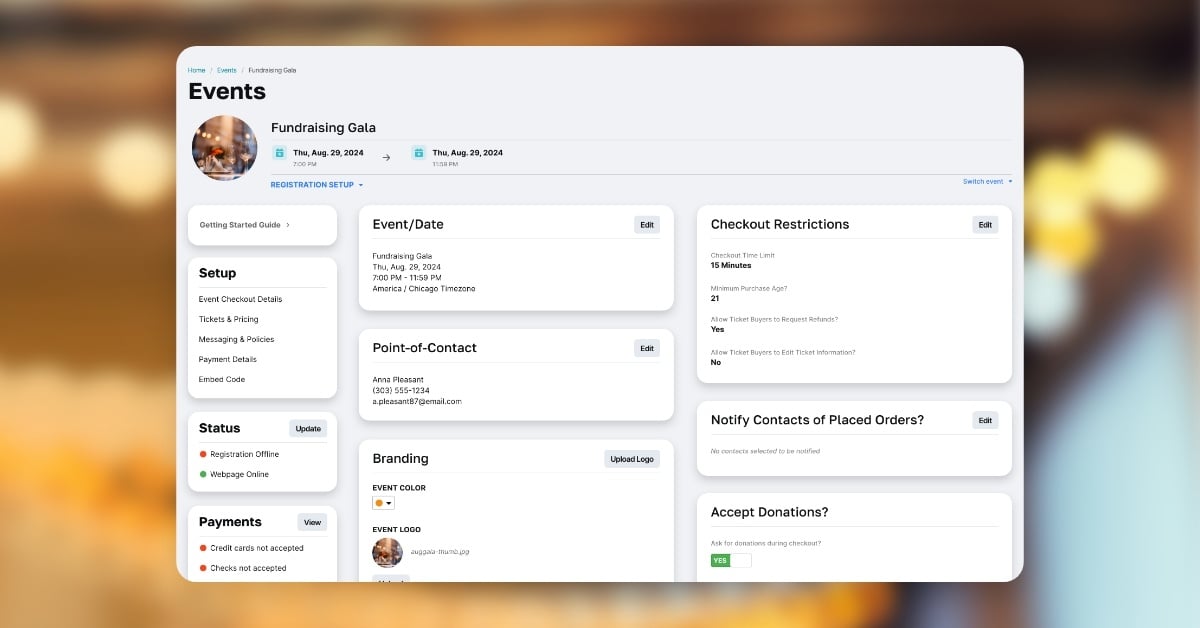
A solid online event registration software for schools and universities will give you the ability to create multiple tickets; add sessions and nested tickets; sell add-on merchandise; set up sales schedules with graded pricing (for things like early-bird discounts); and add questionnaires to your registration form to collect additional attendee information.
Most platforms either integrate with online credit card payment processors or have their own payments system in place; make sure to check on the ticketing fees and service charges before you commit to a service. Also, consider those platforms that also allow you to accept payments by check as well as allow you to process registrations at the door.
5. Stay in touch with registrants and prospects
Just because someone registers for your event doesn't mean they will show up (especially if your event is free of charge). This means you will need to touch base periodically not only with your registered attendees but also the people who have not yet registered.
This all starts with a comprehensive CRM contact management system for events that lets you track prospects, attendees, sponsors, exhibitors, vendors, and really any other party involved. In addition, the software you use either needs its own robust event email marketing platform or it needs to integrate with an established email communications provider like MailChimp, Constant Contact, AWeber or Drip.
Finally, no event marketing push is complete without social media promotion and sharing. Look for school and college event management systems that integrate with apps like Hootsuite, Buffer, and Agorapulse.
6. Keep event spaces fluid up until the event date
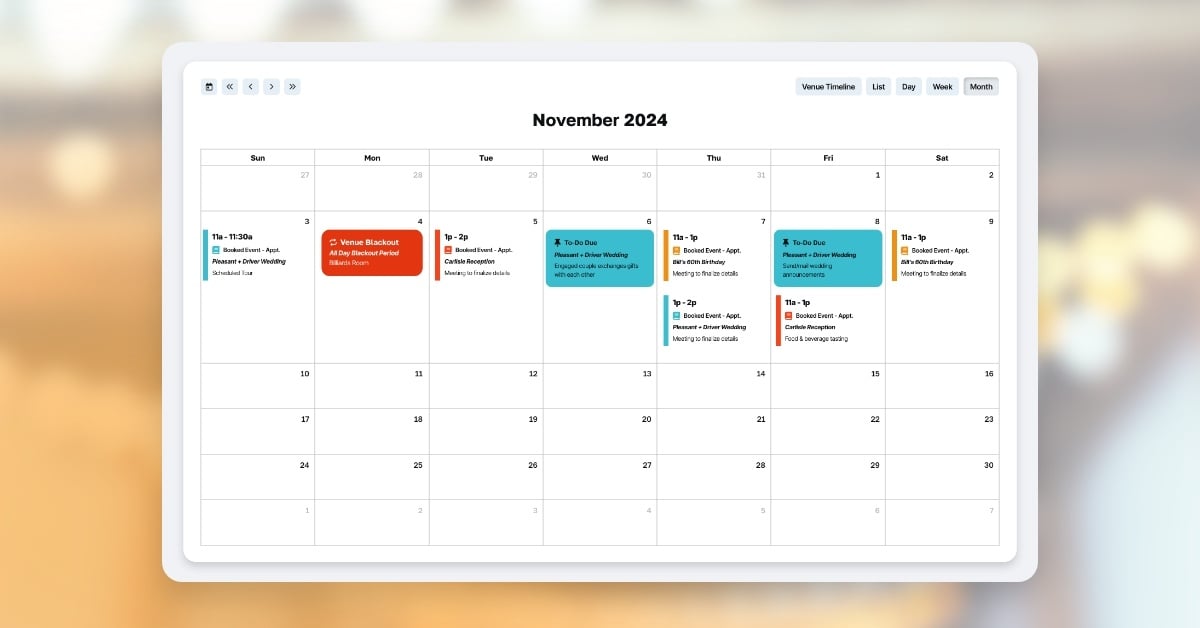
Sometimes you never know how much space you will actually need or how you will be using it until you are a week or two out from the event date. However, most campus operations and facilities staff need to have your room and space reservations scheduled on their event booking calendar weeks or months in advance.
This will require you to determine the type of spaces you need far in advance (meeting rooms, classrooms, event spaces, dining areas, multi-use spaces, etc.), so just make sure you select spaces that are flexible enough to accommodate your headcount as well as planned activities.
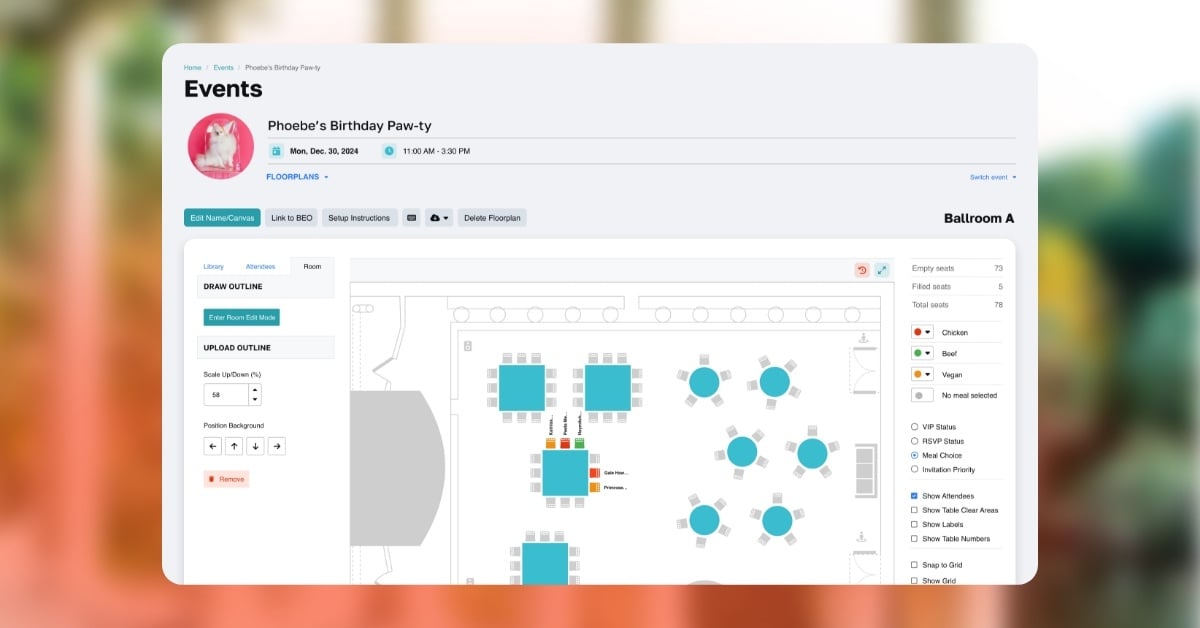
Also, to be fully prepared, you may want to prepare multiple event floor plans prior to your event for all the potential setups you may want to deploy.
7. Always keep on eye on assignments and budgets
It's vital to follow up on tasks you have assigned to people and monitor your calendar to make sure things are flowing from a planning standpoint.
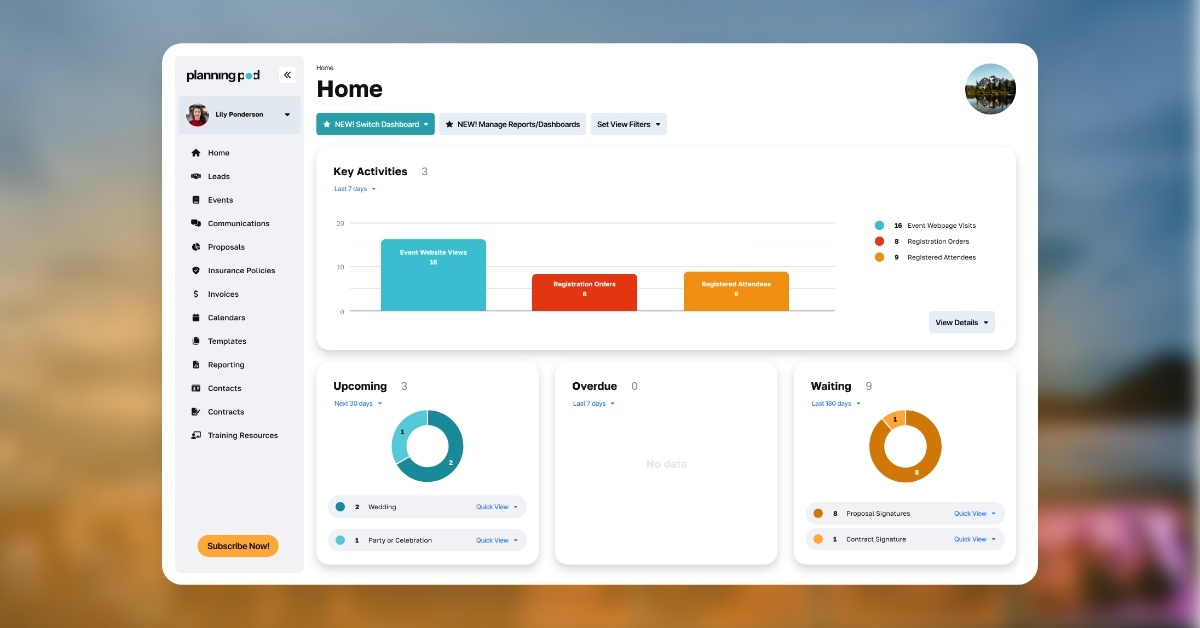
As far as your budget is concerned, you should build your initial budget so that you can track expenditures against your estimated costs and set payment reminders so you don't forget any vendor bills. Keeping this information current will also help you track your ROI and revenues if your education event registration software for nonprofits offers reports and dashboards.
8. Make them feel welcome from the start (and follow-up later)
When your attendees arrive, providing them with a focal point like a registration or check-in table gives them an easy starting point and provides a warm first touch for your event. Use a check-in app to keep your lines short at the door as well as a seating chart to direct them to any assigned seats or tables. Also, having pre-printed name badges keeps the flow going.
And when your event is over, follow up by emailing your attendees links to online surveys and forms so you can get their feedback and incorporate that into your next event.


 Industries