So you're considering an online event planner program for your small business or organization … you came to the right place to start your search.
Many event professionals who are looking for an event planning software platform for the first time have already been using some assortment of tools (like, for example Excel spreadsheets, Google docs, email and single-purpose apps like Trello, Basecamp, Evernote, Smartsheet, Social Tables or AllSeated).
That's a lot of tools to be juggling, and to be fair many of those tools are great for the limited features and scope that they offer. But there are some big issues with using multiple stand-alone tools like this:
- Your data is scattered across multiple platforms, making it very difficult to stay organized or get "big picture" insights.
- Few of them were built for the specific needs of event planners.
- It's hard to manage a team of users who access all these apps and make sure they are saving things properly and using the most current versions.
- None of these tools were built to perfectly integrate with each other.
- You are likely paying a lot more for maintaining all these tools than having a more comprehensive software for one price.
You have probably already arrived at these conclusions, which is what brought you here in a search for an all-in-one event planning software platform. So how do you go about choosing a tool that's right for you? Here are some best practices and ideas of what to look for.
6 steps before you start your search
- Assess your current needs regarding what you need an event planning app to do and make a list of those.
- Brainstorm on any additional needs that may arise in the future and make a list of those, too (because you don't want a solution that can't grow with you).
- Determine a reasonable budget for what you are willing to pay … and remember that with free tools you usually get what you pay for (that is, nothing of real value).
- Create a spreadsheet with your needs as rows and the event management software platforms you are considering as columns. This way while you are evaluating them you can check off items and easily see which tools do and don't meet your needs.
- Visit websites for event planning software companies and start checking boxes on your spreadsheet so you can compare options (and schedule demos if the sites don't provide enough information).
- Read online reviews in forums and on event industry sites for other opinions for purposes of comparison.
List of Requirements for Event Planning Software
Once you have taken these steps, here are features and functions that you should look for in an event planning tool, from the basics to the must-haves to the cherry-on-top extras.
The Basics
These are the basic features that are expected to be offered by any web-based event planning software. If an application does not have these things, you are probably better served to look elsewhere.
- Automations - Customize certain settings and triggers for automating certain actions.
- Budgeting - Set up budgets with line items and categories detailing estimated and actual costs, payments and due dates.
- Calendars and booking management - Manage appointments and tasks and track event bookings; also be able to sync to other electronic calendars.
- Checklists - Create lists for managing items for catering, rentals, hotels/venues, A/V, and more.
- Cloud-based - Software and data storage are located in the cloud, protecting against data loss.
- Collaboration - Share data and information with other users to complete tasks faster and improve coordination with team members.
- Customer support and training - Provides prompt answers to your questions, offers help resources, addresses issues and shortens your learning curve.
- Data protection and security - Server-side firewall protection, data encryption in transit and best practices against data.
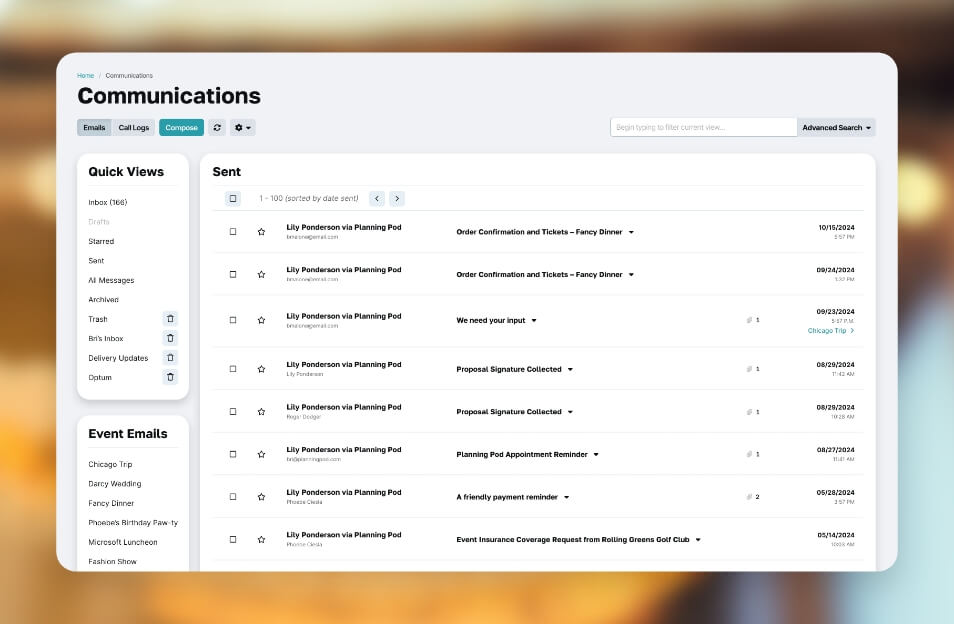
- Email communications - Centralized inbox for all event, client, and lead communications, plus integrations with external email addresses and platforms like Gmail and Outlook.
- File storage - Store and download all kinds of files, including documents, spreadsheets, and images.
- Flexibility to handle all event types - Ability to manage any kind of event, including conferences, conventions and meetings; fundraisers and non-profit events; celebrations and parties; banquets and catered events; and weddings.
- Permissions and user access - Your users can create their own login and you set permissions for what they can access.
- Task management - Create and assign tasks to team members as well as set due dates and receive reminders.
- Timelines - Create detailed itineraries or agendas for the event, including vendor assignments, room assignments, categories, file attachments, and reminders.
- Time-saving - Any event planner software program should essentially save you time and effort and lead to cost savings due to efficiencies created.
- User-friendly interface - Easy-to-use features and functions; intuitive interface and screens.
The Must-Haves
These features are so vital and heavily in demand that, although not "required", they would be sorely missed if not included. Applications like Planning Pod as well as Whova, Eventbrite, and Evolero all offer some combination of these.
- Attendee / guest list - Manage attendee information and track RSVPs or registration status plus payment history.
- Check-in app - Check in attendees at the door from a list or QR code reader and direct them to their table.
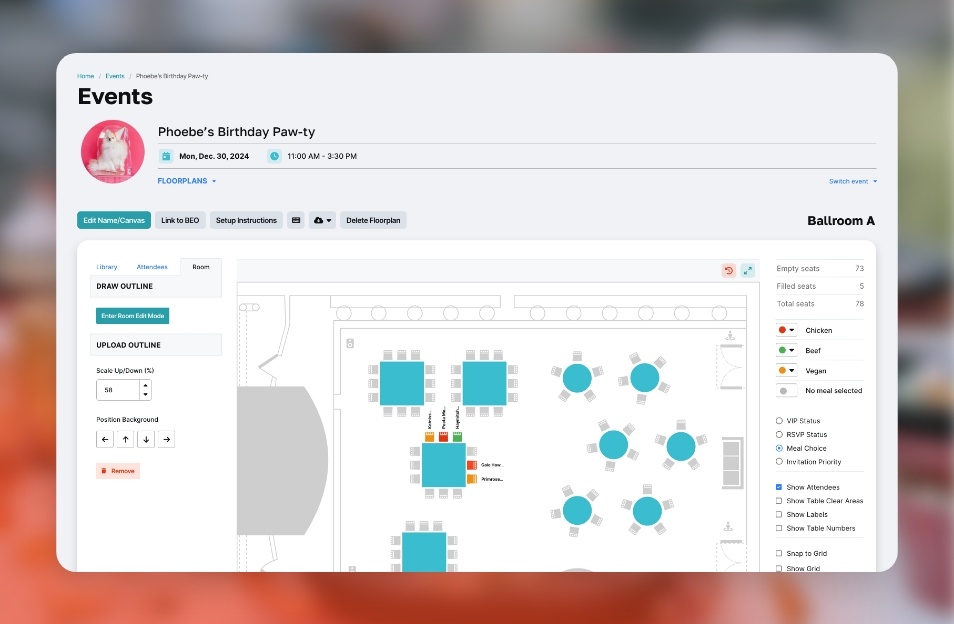
- Event floor plans - Build to-scale diagrams of spaces and rooms; no CAD or design experience necessary. 3D functionality optional.
- Event websites - Create custom sites for attendees to learn about your event; includes RSVP or registration forms.
- Integrations and APIs - Connect your event management tool to other applications and share data with those apps. Zapier integration is a plus.
- Logistics management - Lets you plan for who needs to be where and when as well as what equipment is allocated.
- Mobile-friendly - Software can be used on any computer (Macs or PCs) as well as any mobile device, including iPads, iPhones, and Android devices.
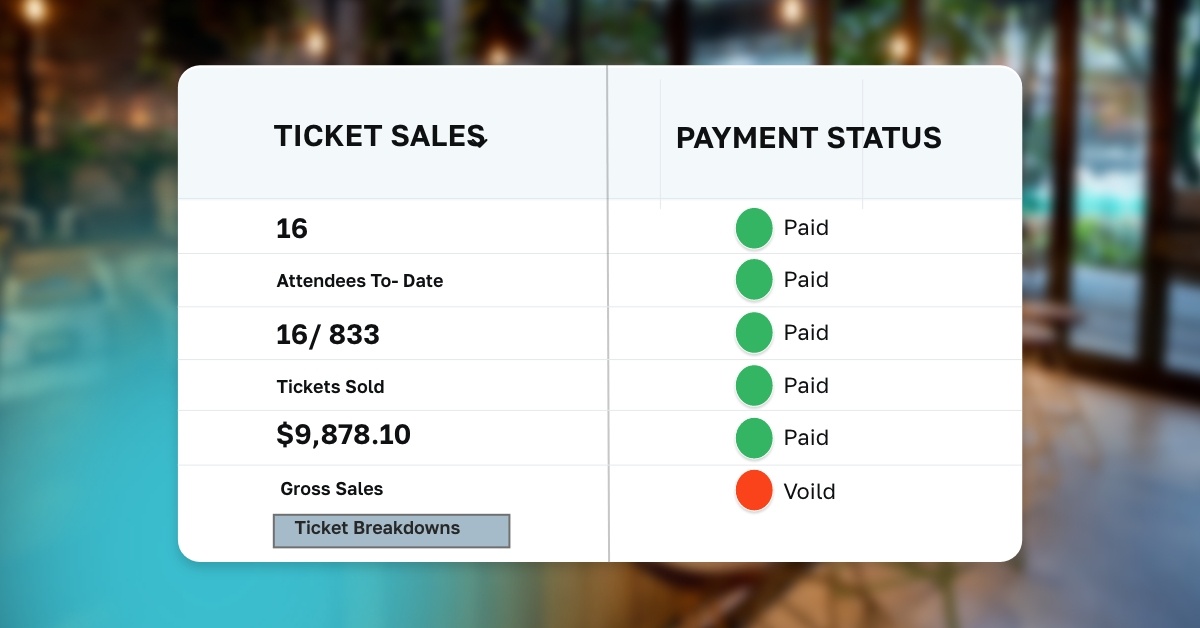
- Registration and ticketing - Collect paid or free registrations and sell tickets online; collect payments via credit card.
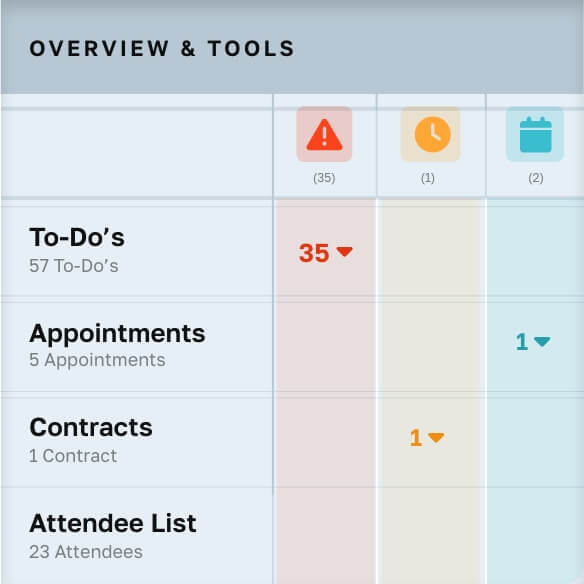
- Reporting and dashboards - Download event reports to .csv and PDFs for a variety of data points; view at-a-glance event dashboards for data-driven insights on a number of metrics (ROI, revenues, etc.).
- Social media integrations - Allow attendees to share event details via social media platforms like Facebook, Twitter, and Instagram.
- Surveys and forms - Collect input from stakeholders and feedback from attendees via online forms.
- Templates - Build reusable templates for a variety of items like task lists, checklists, timelines, floor plans, invoices, etc.
- Venue management - Add and manage venue bookings for each event as well as booking details.
- Vendor management - Manage vendor details, add vendors to events, and track their assignments.
The Extras
Some features only come in handy if you have needs far beyond what it takes to manage the average event. Some of these involve tools for managing event planning business details (if you run an event planning organization) while others pertain to planning large conferences or festivals. Planning Pod as well as Bizzabo, Cvent, Aventri, and EventPro each include one or more of these features.
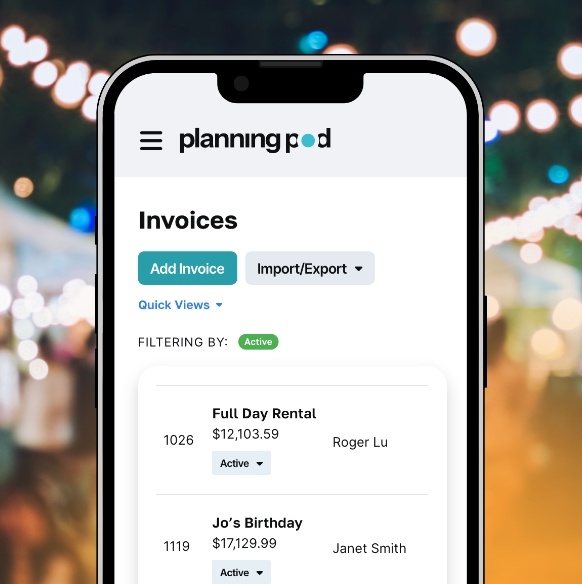
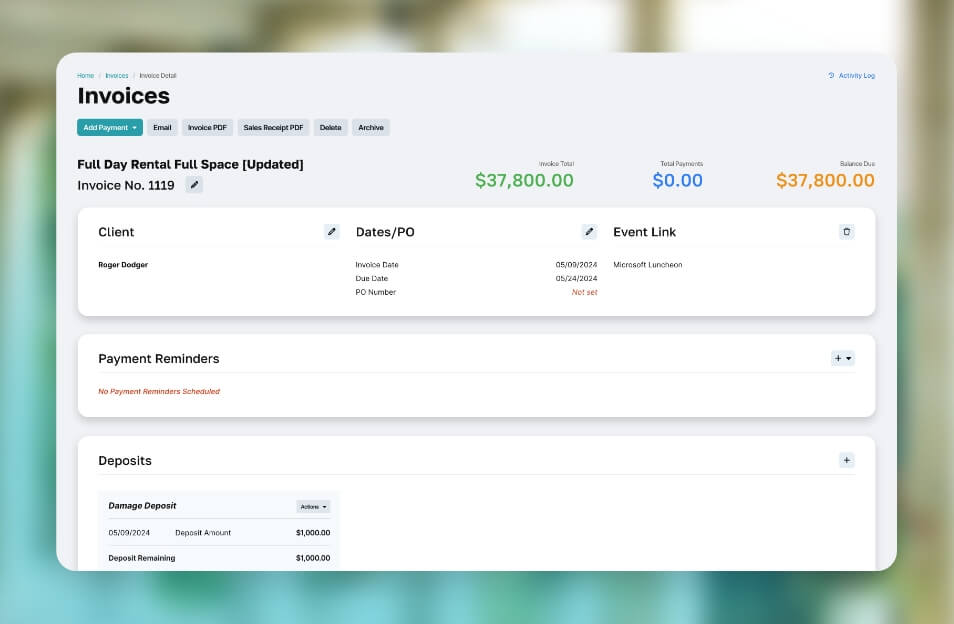
- Billing and invoicing - Create invoices and collect payments, either manually or via credit card online.
- Catering and beverage service management - Manage caterers, food service vendors, menus
- Contracts and electronic signatures - Build electronic contracts and collect signatures online.
- CRM and contact management - Manage contact information for clients, colleagues, prospects, team members, vendors, venues, and more.
- Event app - Launch an mobile event app for attendees to network and create custom schedules; boosts attendee engagement and experience.
- Event marketing - Promote your event to prospective attendees via email marketing, social media marketing, and other venues.
- Exhibitor management - Manage exhibitor information, process billing, and track booth reservations.
- Inventory and resource management - Add your equipment inventory and track how items are allocated to events.
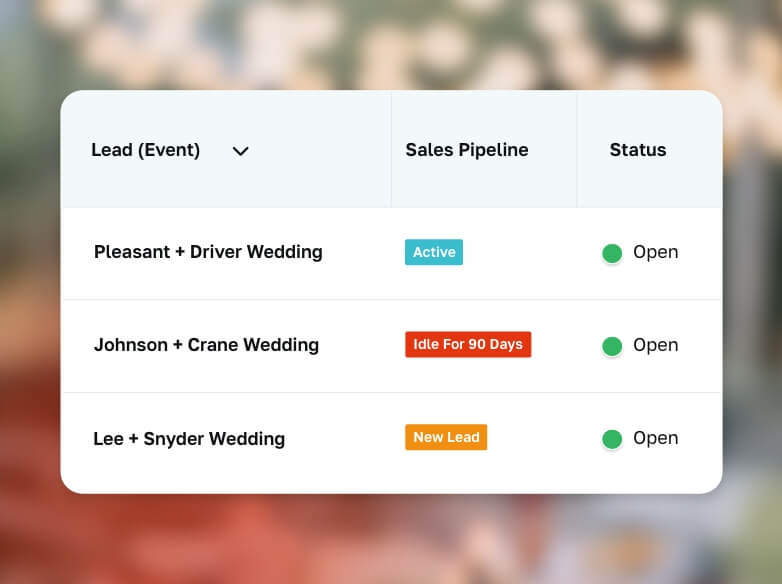
- Lead management - Track leads as they move through your sales pipeline.
- Travel management and accommodations - Allow attendees to book guest rooms and manage room blocks.
- Venue sourcing - View venue offerings, request RFPs and track venue contracts/agreements.


 Industries