<img height="1" width="1" style="display:none" src="https://www.facebook.com/tr?id=193843834399671&amp;ev=PageView&amp;noscript=1">

Battle-tested event ticketing software — with no service fees on top

Sell tickets online, keep more of every sale, and manage ticketing inside the same platform that runs the rest of your event.

Planning-Pod-Event-Ticketing

Manage your ticketing, payments, attendees, and event marketing in one platform

Event-Payment-Processing-Webinar-Planning-Pod

Low processing fees with no service fees

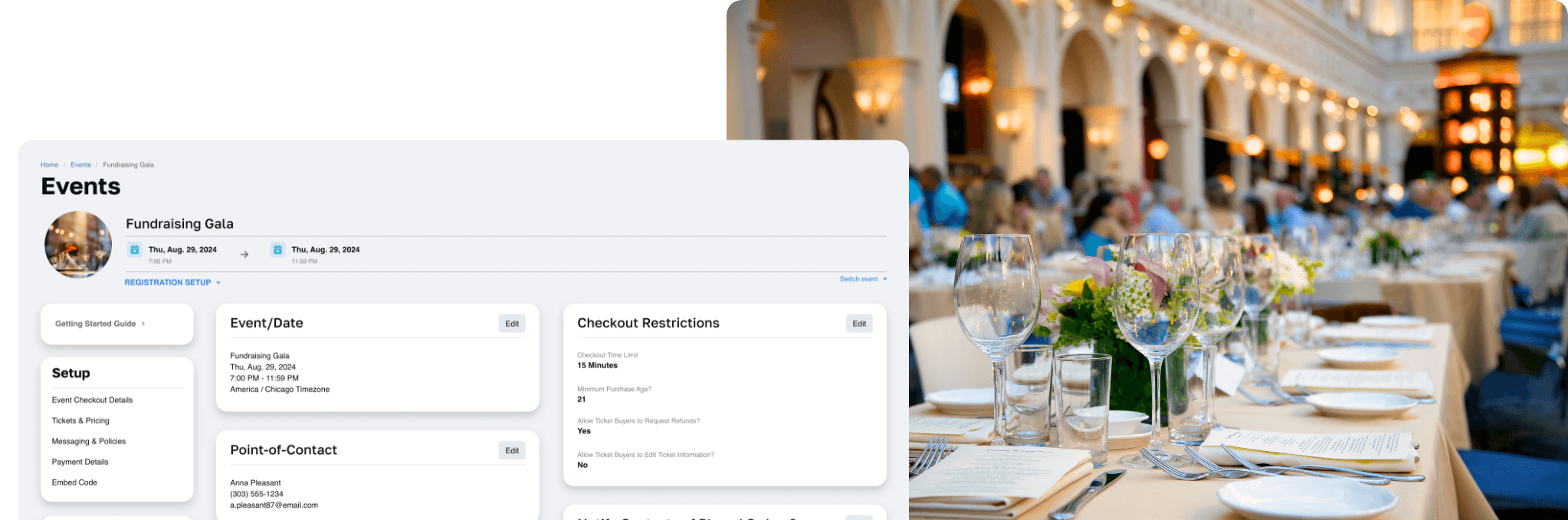
Process debit/credit card and ACH payments through our integrated, globally trusted payment processor and get paid quickly. Unlike other major ticketing platforms like Eventbrite, we don't charge additional service fees on top of card processing — so you and your attendees keep the difference.

Flexible ticketing setup and management

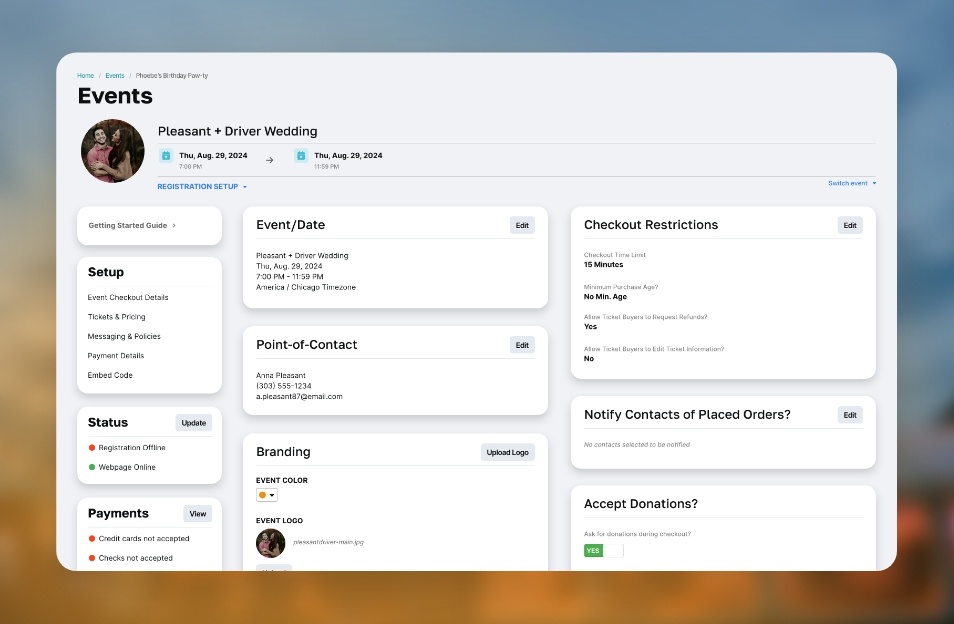
Paid or free tickets in any configuration: pricing schedules, custom questions, packages, discounts, and max/min limits. Embed registration forms in any website, accept check or cash, and scan printed or electronic tickets at the door with any QR reader.
Planning-Pod-Simplify-Guest-Management -With-Powerful-Collaborative-Tools
Planning-Pod-Event-Website-Builder

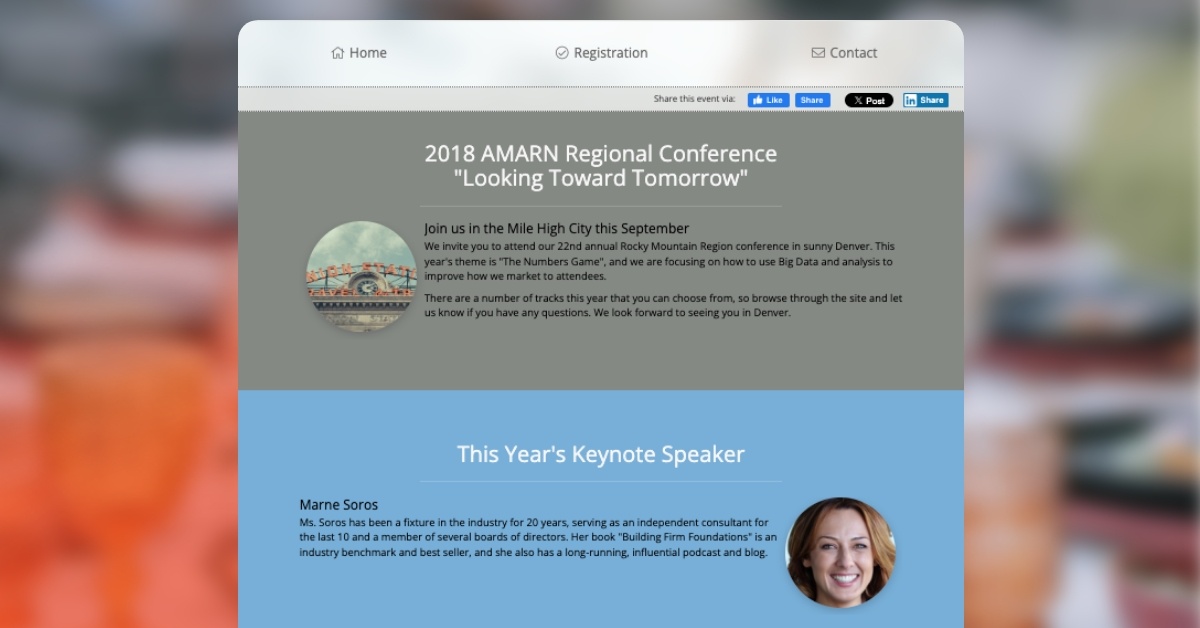
Promote your events with branded webpages

Mobile-friendly event websites make it easy to sign up from a phone. Add images, videos, schedules, and maps; boost shares with Facebook, Twitter, and LinkedIn integrations; and carry your event branding through email notifications and PDF tickets.

Track attendees from signup to check-in

Attendee CRM tools track contact information, signup responses, and order details. Set refund and transfer policies, build assigned seating charts on to-scale floor plans, and keep door lines short with our check-in app.

Planning-Pod-Keep-Everyone-Aligned-With-Your-Vision
Planning-Pod-Industries-Extended-Home-Label

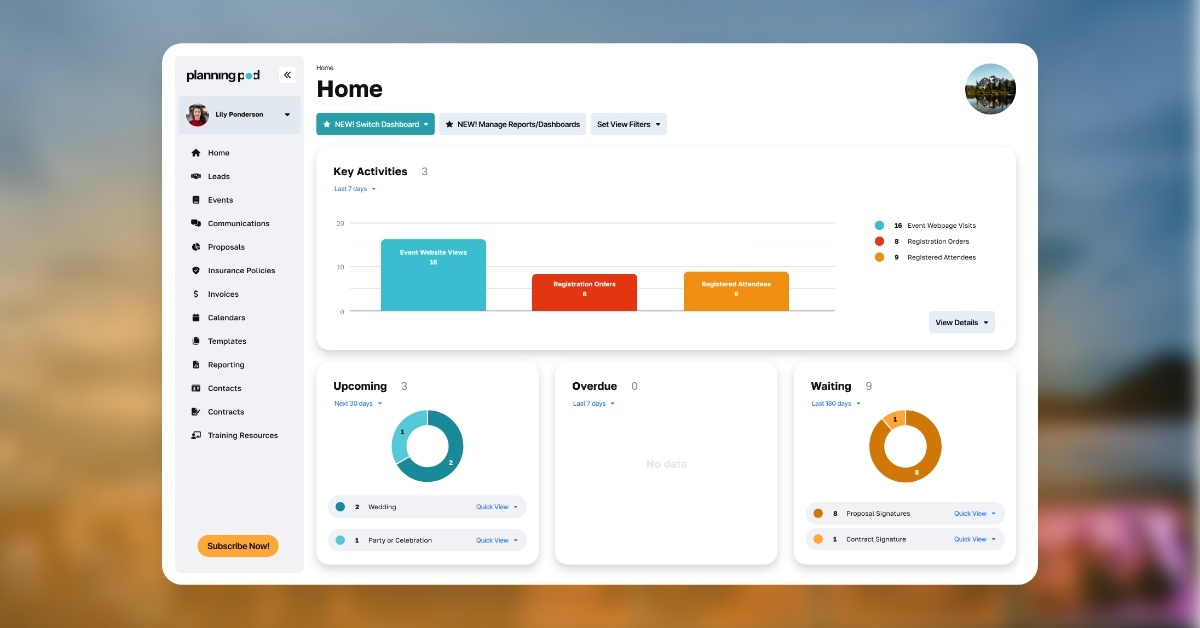
Know where your events stand at all times

Invite unlimited team members to collaborate, get strategic insights from custom reports, and watch sales and headcounts update on dashboards — alongside our tools for tasks, timelines, calendars, and budgets.

* Planning Pod is Level 4 PCI compliant and each of our payment processing partners is Level 1 PCI compliant; thus we employ industry best practices and high standards for the security of your customers’ payment details. In addition, our data is fully encrypted at rest and in transit for the safety of you and your clients.

See why over 70,000 event professionals rely on our event ticketing software

Footer Campaign Pages - Star Ratings@2x

"It does so many things well like event websites, selling tickets, creating floor plans, managing budgets ... I can’t pick just one!"

- Cathy Anna, Cathy Anna Events

A closer look at Planning Pod’s event ticketing solutions

How event organizers and venues boost ticket sales and attendance with our tools

Planning-Pod-Globe-Blue-NB-Icon

Event Websites

Sell tickets and promote events on branded, mobile-responsive webpages with text, images, videos, maps, and schedules — plus customizable URLs and SEO tools.

Planning-Pod-Icon-Blue-Payments

Payments and Payouts

Reputable integrated processors mean you collect payments quickly and receive payouts within days, not weeks or months.

Planning-Pod-icon-blue-financial-document

Donations

Let patrons donate with or without a ticket purchase, or set open-priced tickets so attendees can give more than the minimum.
Planning-Pod-Ticket-Blue-Icon-1

Flexible Ticketing

Free or paid tickets with pricing schedules, capacity limits, wait lists, group ticketing, add-ons, file uploads/downloads, privacy codes, and policies/FAQs.
Planning-File-Pen-Blue-NB-Icon

Embeddable Forms

Sell tickets on external (iFrame-compatible) websites by embedding your registration forms — with custom questions to collect more attendee data.

Planning-Pod-Icon-Blue-Discounts

Discount Codes

One or more codes per ticket, percentage or dollar amount, with start/end dates and maximum uses. Great for members and loyal customers.

Planning-Paint-Blue-NB-Icon

Branding and Customization

Logos, images, colors, and fonts on your ticketing pages — and on notification emails and printable PDF tickets.
Planning-Pod-Icon-Blue-Email-Address

Email Notifications

Order confirmations, on-screen confirmations, and downloadable tickets, plus integrations with email marketing apps like MailChimp for invitations and reminders.

Planning-Pod-Sharing-Blue-Icon

Social Media Sharing

Ticketing pages and confirmation screens integrate with Facebook, Twitter, and LinkedIn so attendees spread the word for you.
Planning-Clipboard-Checklist-Blue-NB-Icon

Integrations

Connect to hundreds of applications — MailChimp, Constant Contact, HubSpot, QuickBooks, Xero, Salesforce — via Zapier.
Planning-Pod-Dashboards-Blue-Icon

Reports & Dashboards

Downloadable .csv reports on attendees, sales, and revenues, with dashboards for recent activity and current headcounts.

Planning-Pod-Check-in-Blue-Icon

Check-In App + QR Scanning

Manage multiple entry points from any device and process payments on-site. QR codes on tickets work with any reader.

Planning-Pod-Clipboard-check-Icon

Seating Charts

Assign ticket buyers to seats with our drag-and-drop seating chart and floor plan builder — names and meal choices attached.

Planning-Invoices-And-Installments-Icon

CRM for Attendees

Ticket orders, contact information, and question responses stored per attendee — downloadable or shareable with your email marketing and CRM apps.

Planning-Dollar-Exchange-Blue-NB-Icon

Refunds & Transfers

Set transfer and refund policies, accept refunds, and let attendees update their own ticket details.

Related Tools

Customers interested in event ticketing also use these tools:

Keep more of every ticket you sell