<img height="1" width="1" style="display:none" src="https://www.facebook.com/tr?id=193843834399671&amp;ev=PageView&amp;noscript=1">

All the tools to run your venue,
in one place

Venue and Catering Management

The booking calendar, floor plans, and BEOs your team lives in, finally in one place.

catering
Planning-Calendar-Red-NB-Icon

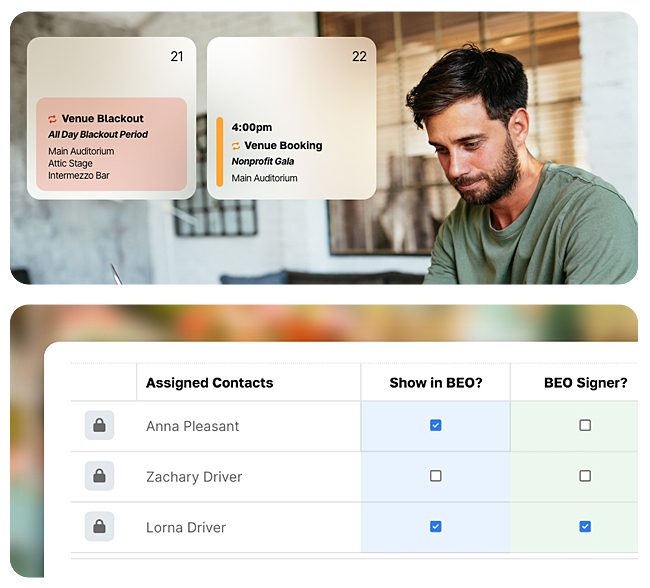
Booking/Reservation Calendar

Planning-Expand-Red-NB-Icon

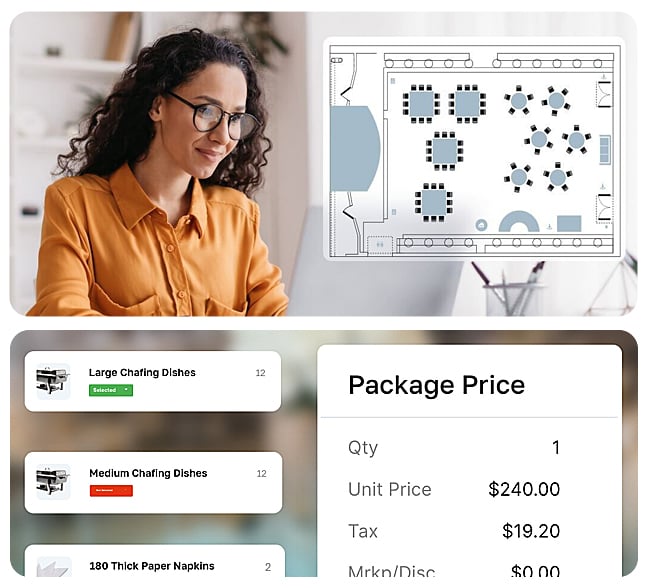
Floor Plans and Space Layouts

Planning-Utensils-Red-NB-Icon

Food-and-Beverage Management

Planning-Load-Red-NB-Icon

Equipment Management

Planning-Chart-Tree-Map-Red-NB-Icon

Banquet Event Orders

Planning-Calendar-User-Red-NB-Icon

Tour Scheduling

5.0 out of 5 stars
"Planning Pod is a game-changer for me. Sales are completed within hours instead of days (even minutes sometimes) and it takes two clicks to send a proposal for signature. It saves us at least an entire salary."
John Norton
The Coonamessett
Hotel/Lodging

Customer Management (CRM)

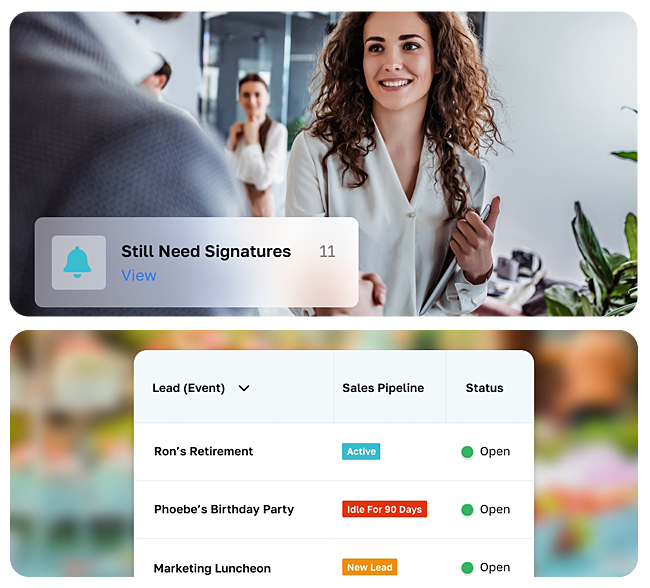
Capture leads from your website, then move them from inquiry to signed contract without re-typing a thing. Venues reduce busywork and grow bookings by an average of 64% after switching to Planning Pod.
crm-v2
Planning-User-Magnifying-Glass-Yellow-NB-Icon

Lead Management

Planning-Progress-Bar-Users-Yellow-NB-Icon

Lead Intake Webforms

Planning-Folder-Tree-Yellow-NB-Icon

Pipeline Automations

Planning-File-Pen-Yellow-NB-Icon

Proposals with eSignatures

Planning-Book-User-Yellow-NB-Icon

Contact Manager

5.0 out of 5 stars
“Planning Pod has really become the lifeline of our business. It’s a one stop shop for everything that we do. I’ve eliminated at least two softwares just by implementing it … and the system saves each of my staff about 5 hours per week. With Planning Pod, I get a lead and I can respond within the day, usually within an hour. And it keeps the whole chain of communication with clients all in one place.”
Andrea Vallencourt
Clay Theater
Wedding/Event Venue

Business Operations

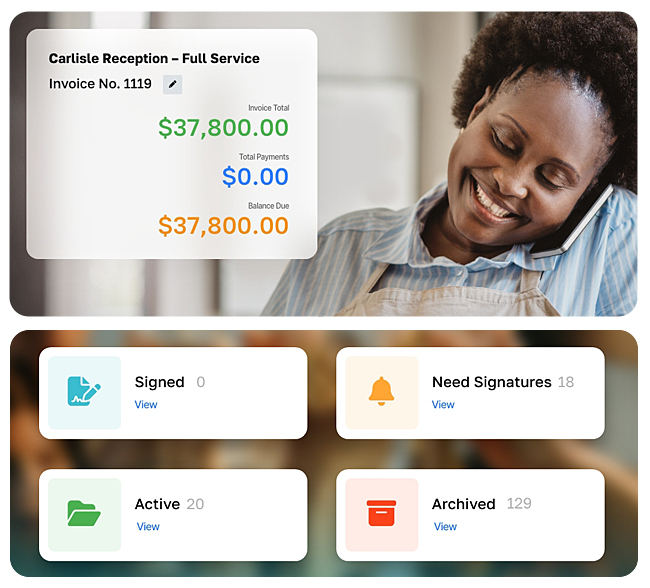
Send a contract, invoice on an installment schedule, and take the deposit through integrated payments. No separate processor, no chasing Venmo screenshots.
operations
Planning-Password-Blue-NB-Icon

Contracts and eSignatures

Planning-Receipt-Blue-NB-Icon

Invoices and Installments

Planning-Dollar-Exchange-Blue-NB-Icon

Payment Processing

Planning-Event-Insurance-Icon

Event Insurance

5.0 out of 5 stars
“We started using Planning Pod to improve our facility rental management and our client experience. We can't live without it! It has improved every aspect of our business and has brought us fully into the digital age.”
Tess Mize
Virginia Museum of Contemporary Art
Museum/Gallery

Automations and Insights

Turn your best operator’s playbook into workflows with triggered reminders, custom reports, and dashboards built for how your venue tracks bookings and revenue.
insights
Planning-Diagram-Blue-Icon

Workflows and Triggers

Planning-Chart-Tree-Map-Blue-NB-Icon

At-a-Glance Dashboards

Planning-Waterfall-Chart-Blue-NB-ICon

Custom Reporting

Planning-Exclamation-Mark-Circle-Blue-NB-Icon

Reminders and Notifications

Planning-Uneven-Chart-Blue-NB-Icon

Custom and Pre-Built Templates

Event Planning and Management

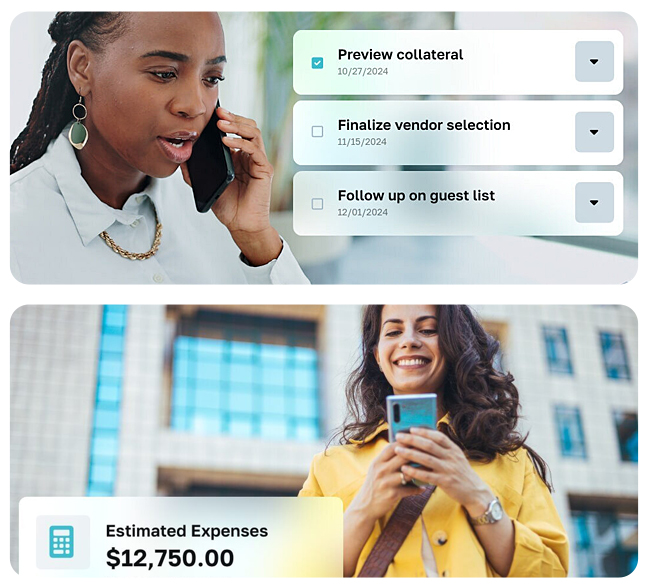
Run the day-of details - timelines, vendors, registration, check-in - right alongside the booking that created them. Everything for an event lives on one record.
planners
Planning-Pod-List-Yellow-NB-Icon

Timelines and Schedules

Planning-Hand-Holding-Money-Yellow-NB-Icon

Budget Management

Planning-Ticket-Yellow-NB-Icon

Registration and Ticketing

Planning-Globe-Click-Yellow-NB-Icon

Event Webpages

Planning-User-Gear-Yellow-NB-Icon

Attendee Management and Check-in

Planning-Food-Truck-Yellow-NB-Icon

Vendor Management

5.0 out of 5 stars
"We recently joined Planning Pod to help with our event venue. We had several challenges that Planning Pod thankfully had the solutions to address. It has been the easiest and most supportive platform migration I have ever experienced; I am amazed at the customer service. I'm excited to started implementing Planning Pod!"
Anna Tucker
The Village Hall on the Common
Venue

Communications and Collaboration

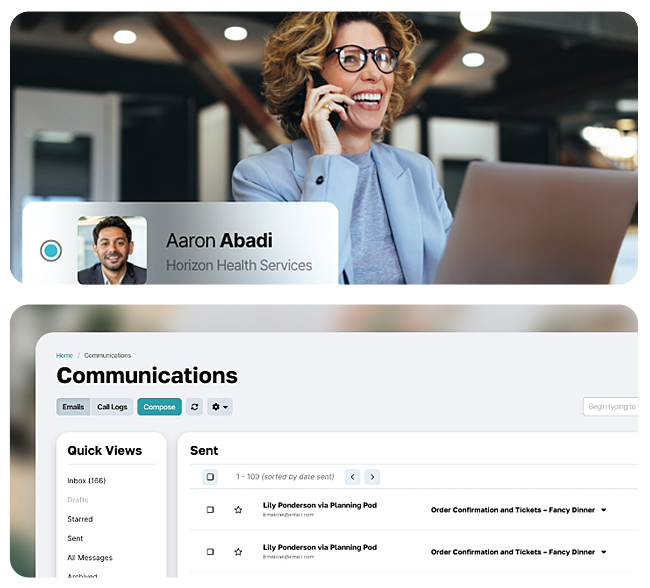
Give clients one branded portal to see every detail, sign documents, and pay - and give your team one inbox instead of five email threads.

communications-v2
Planning-Inbox-Red-NB-Icon

Email with Central Inbox

Planning-Folder-User-Red-NB-Icon

Online Client Portals

Planning-Pen-Field-Red-NB-Icon

Webforms and Surveys

Planning-Vision-Boards-Icon

Vision Boards

5.0 out of 5 stars
“Planning Pod has really become the lifeline of our business. It’s a one stop shop for everything that we do. I’ve eliminated at least two softwares just by implementing it … and the system saves each of my staff about 5 hours per week. With Planning Pod, I get a lead and I can respond within the day, usually within an hour. And it keeps the whole chain of communication with clients all in one place.”
Andrea Vallencourt
Clay Theater
Wedding/Event Venue

Team Productivity

Keep tasks, checklists, files, and appointments tied to the booking they belong to, so nothing slips between the inquiry and the event.
project-management-v3
blue calendar icon

Appointment Calendar & Scheduling

Planning-Task-Manager-Icon

Task Manager

Planning-Folders-Blue-NB-Icon

File Sharing

Checklists

Checklists

Planning-Telephone-Blue-NB-Icon

Call Logging

5.0 out of 5 stars

"Choosing Planning Pod has proven to be an excellent decision for our university team. It provides seamless collaboration tools and communication features that keep our team connected and organized, making it simple to assign tasks, share documents and track progress in real time."

Ines Cooper
Florida Gulf Coast University
School/University

Numbers from real venues, not marketing math

Planning-Chart-Dollar-Up-Gray-Icon

230% revenue growth

for new customers in their first year

Planning-Pod-Arrow-Up-Dots-Yellow-Icon

64% booking growth

after switching to Planning Pod

Dev-Icon-Masonry

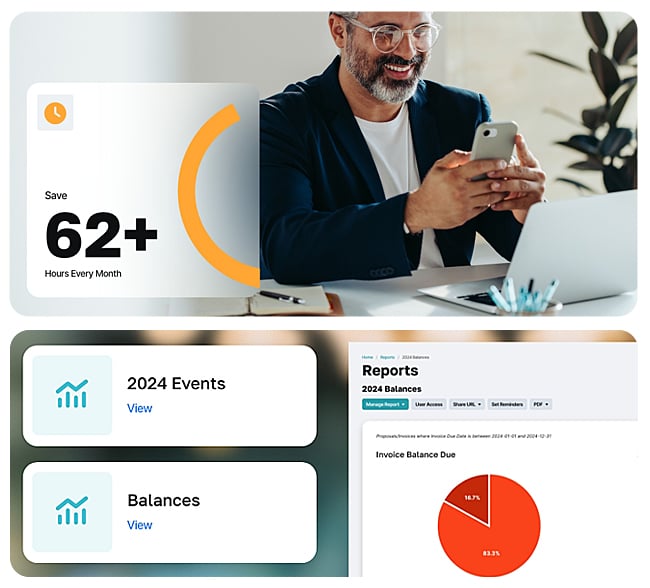
62 hours/month

of busywork saved

Connect the tools your venue already uses

Planning-Mail-Services-Red-Icon

Connect your business email accounts

Planning-Check-Dollar-Yellow-Icon

Integrate your payment processing

Planning-Shield-Check-Blue-Icon

Offer embedded liability and cancellation insurance

Planning-Quick-Books-Gray-Icon

Connect to your QuickBooks Online account

Planning-Ring-Wedding-Yellow-Icon

Integrate your Wedding Pro leads

FAQs

What does Planning Pod replace?

Most venues come to us on Google Sheets, Google Calendar, and emailed PDF contracts - or a stack of 3–5 disconnected tools like Zoho, SmartDraw, Social Tables, and Basecamp. Lead intake, booking calendar, floor plans, BEOs, proposals, contracts, payments, and reporting all live in one place instead.

How does payment processing work?

Planning Pod includes integrated payments through Adyen. Take deposits, send invoices with installment schedules, and let clients pay through their branded portal — no separate processor. Already on Stripe, Square or QuickBooks Payments? We’ll talk through the migration process with you.

How does Planning Pod compare to Tripleseat, Honeybook, or Aisle Planner?

Tripleseat is built for larger, enterprise-grade venues and prices accordingly. Honeybook and Aisle Planner are lighter tools popular with solo operators and wedding planners - they don’t handle BEOs, floor plans, or venue-side operations. Planning Pod sits in the middle: end-to-end venue management without the enterprise overhead.

Does Planning Pod capture leads from Wedding Wire and The Knot?

Yes. Leads from WeddingWire and The Knot flow straight into your pipeline alongside your website inquiries - no copy-paste.

Does it integrate with Quickbooks?

Yes - QuickBooks Online connects to handle the accounting side while payments and invoicing stay in Planning Pod.


Will my data migrate cleanly?

Yes. Every new venue gets a real human data-migration specialist - not a self-service importer - to move contacts, calendar, contracts, and templates. The handoff is structured: Discuss, Set up, Import, Train, Guide.